info@ajwmsvoices.com | 865.309.4050 | Schedule a chat
Why I Switched to UPDF as a Professional Voiceover Artist
As a die-hard Apple fan, I’ve used Apple and Macintosh computers since their debut. And, I’m all in with the full Apple ecosystem. For the most part, I have found that the included software with Macs can serve my needs pretty well. More on that later, probably!
Preview is Apple’s PDF/image reader. For opening and reading PDFs, converting PDFs to other formats and doing basic image manipulation, it does just fine. But, I get scripts in PDF and to prep those scripts, I needed more robust tools. And, I didn’t want to pay a monthly fee to Adobe.
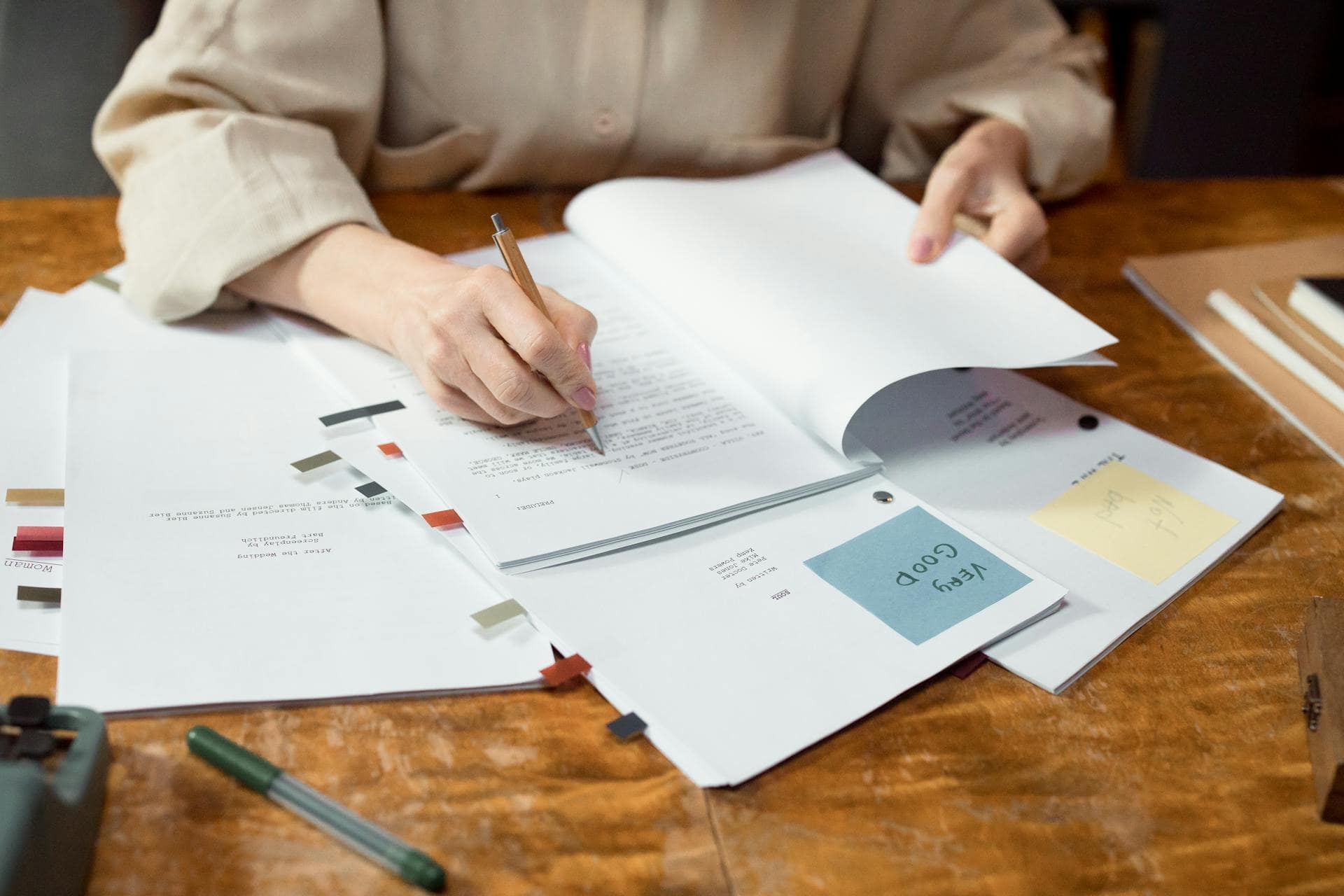
Having a good editor for different formats of text documents is important to prep the script from whatever source you might receive it – authors, video producers, casting directors and so forth. Prep usually means adding pronunciation cues where needed, underlining or highlighting text to indicate emphasis or accents or other changes you might need to make while recording. I often also use the marker/pen tool to indicate where I might take a pause or breath or to identify script turns so I know to shift my delivery at that point.
Enter UPDF.
For an affordable license cost, I am able to edit PDFs including adding comments, highlighting text, editing and formatting text, create forms and sign documents. I find it easy to use, pretty darn powerful, and a good upgrade from Preview. And if you are a Windows/PC user, never fear! It’s available on those platforms as well.
They have added some AI tools but I don’t need or want to use them so I cannot comment on their power or usefulness. I use it pretty much every day and I’d recommend it as a possible option for anyone needing a PDF tool. (and they offer it on Mac, PC, iOS, and Android with 4 devices on your license)
As a techy-feely person, I enjoy tinkering with and sharing the tools I find most useful. If you like how I describe these tools, I use the same approach in my e-Learning and corporate narration. Let’s talk about your project soon!
Photo credit: Ron Lach : https://www.pexels.com/photo/person-writing-on-white-paper-7969732/