info@ajwmsvoices.com | 865.309.4050 | Schedule a chat

Tools I Use: Text Expander
You know, I have been a fan of text expanders for such a long time (I mean, I did a presentation on them back in 2014 at a distance learning conference. In every job I have had, I have used them in some way or another. Voiceover is no different!
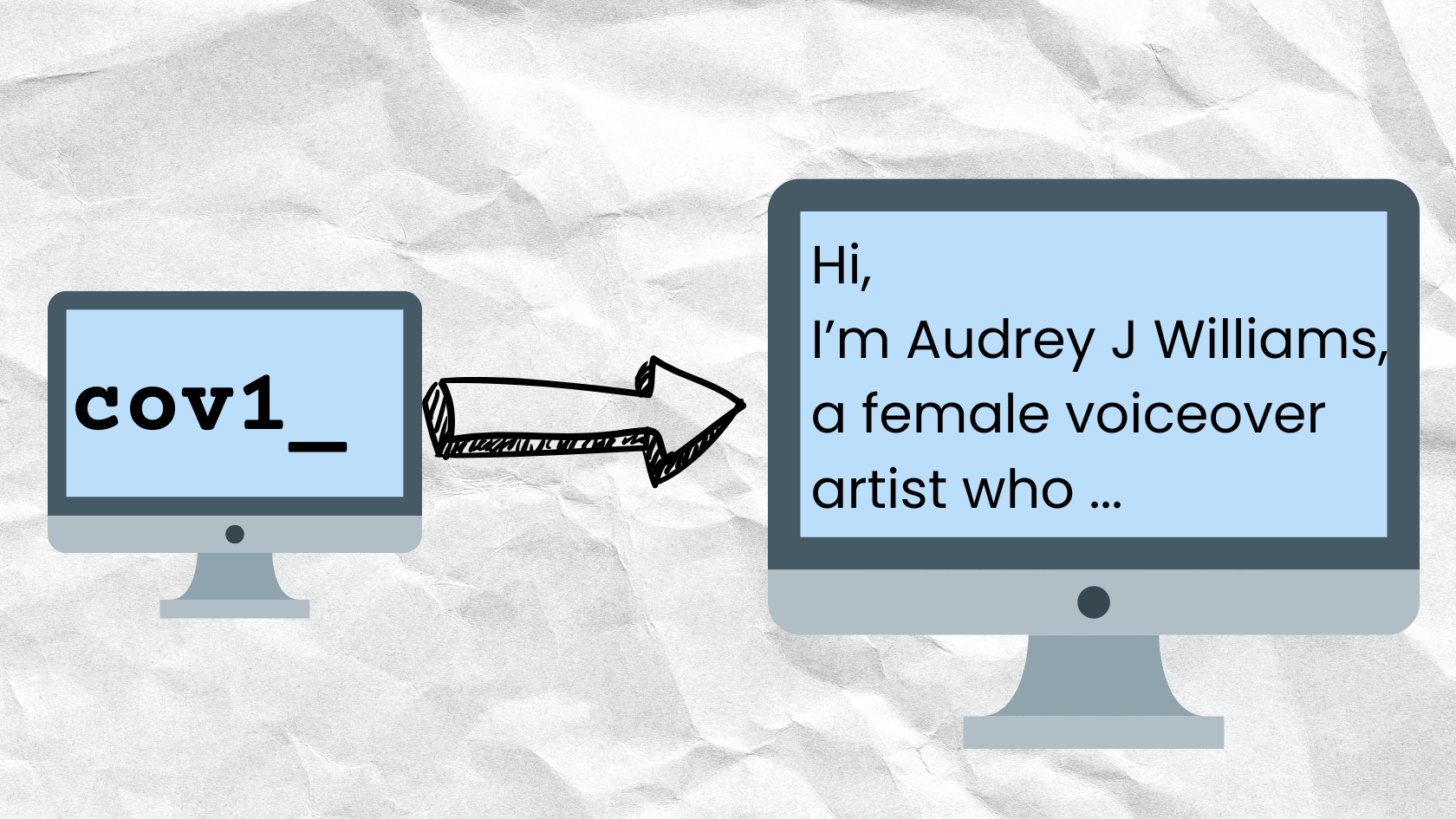
A text expander is basically a database that uses short abbreviations you create associated with larger blocks of text. Once you type one of the abbreviations, the program will then expand that text into the longer text blocks. Those blocks can be code snippets, email addresses, long URLs, addresses and so forth.
I used to use them to send lists of instructions or log information in my job supporting faculty and staff at a college. Now, I use them to save time in naming audio files, sending information about my voiceover business or posting on social media with common hashtags.
My current text expander on my Mac is Typinator. I have used TypeIt4Me and some others as well. On the PC side, there is BeefText and TextBlaze. Windows 10 also has a way to build your own so it might be worth exploring if that is what you use as a desktop computer.
Saving time is always a great thing…especially for the admin things so I can spend more time analyzing scripts and performing in my audio booth!